Custom software / Dental offices
Dental office patient intake system for Ontario practices
New-patient registration, done before the visit. A staff view that shows what is still missing. Reminders your team writes once, in your own words. Custom-built around your practice, not squeezed into a template.
Everything on this page is a working prototype with sample data. The practice, the people and the numbers are made up.
Explainer: from the patient’s phone to the front deskA sample practice: the patient registers on their phone before arriving, the front desk sees every registration in one place, important answers are marked for staff review, and reminders are drafted from templates. One continuous voiceover with on-screen captions.
Read the video script
Still handing new patients a clipboard? This is a client intake dashboard for dental offices. Here is how it works. Step one: the patient registers on their phone, before they arrive. Eight short steps, mistakes caught as they type, and nothing pre-ticked. If they stop, they save, and pick up right where they left off. Step two: the front desk sees every registration in one place. Filter by status, search by name, and see what is still missing. Step three: important answers are flagged as prompts, marked for staff review. Never clinical advice. Open a record for the answers, consents, checklist, notes and audit log. Print it, or save it as a PDF. Clinical staff and front desk see different views, and the export holds no health details. Step four: reminders are drafted from templates, in your own words. For your office: one place, nothing missed, no retyping. Custom-built for your practice. No templates. Book a 20-minute scoping call.
Sound familiar?
What practice owners say out loud.
- The form is on a clipboard, and somebody retypes it afterwards.
- We find out what is missing when the patient is already in the chair.
- Reminders go out when someone has a quiet minute.
- The front desk, the hygienists and the dentist all need something different from the same file.
None of this is anyone’s fault. It is what paper and a shared inbox do when a practice gets busy.
Written as the kind of thing a practice owner says out loud. These are not quotes from named clients.
What the system does
The first visit, sorted out before the patient arrives.
What is a dental office patient intake system? It is the software that collects a new patient’s registration before the first visit, shows the front desk what is still missing and marks answers for staff review. It is not dental practice management software for charting or billing: this one is custom-built around the first visit and sits beside the software your practice already uses.
- 01
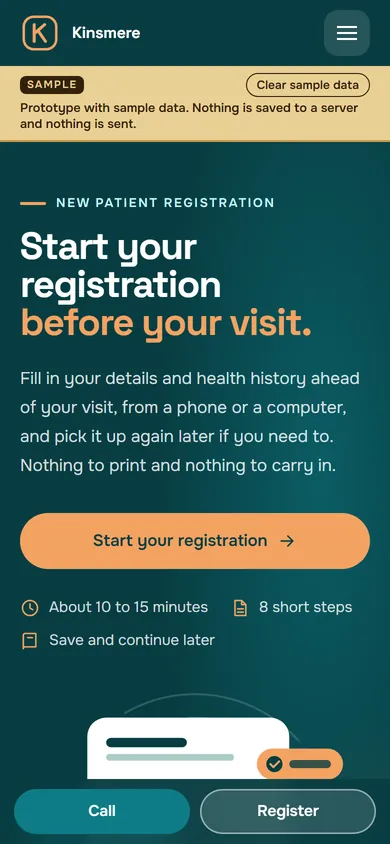
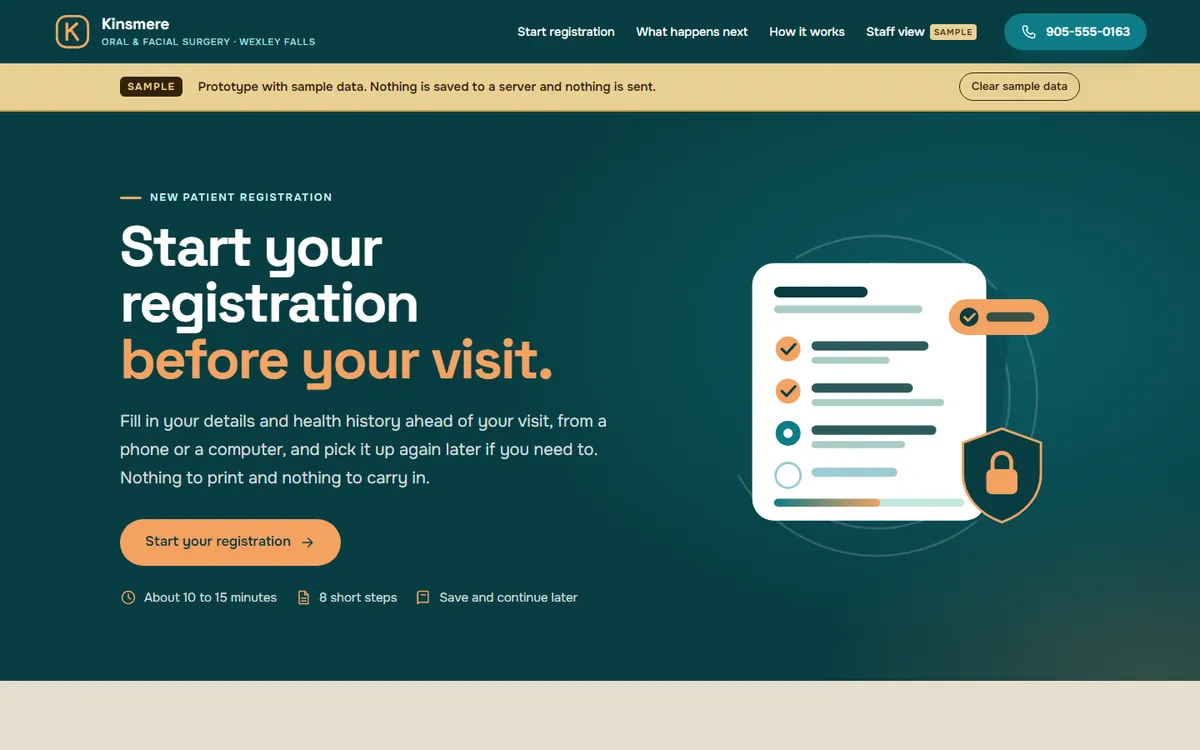
Registration the patient can do on their phone
New-patient registration in short, plain steps. Questions that do not apply are skipped. A patient who is interrupted can stop and come back to where they left off.
- 02
A “what to bring and what happens next” page
After registering, the patient sees what to bring, who to expect and what the first visit involves, in your words, so the desk is not answering the same call fifteen times.
- 03
An onboarding checklist for every new patient
Each person has a short checklist: registration received, forms read, insurance details in, anything still outstanding. The desk sees at a glance who is ready and who is not.
- 04
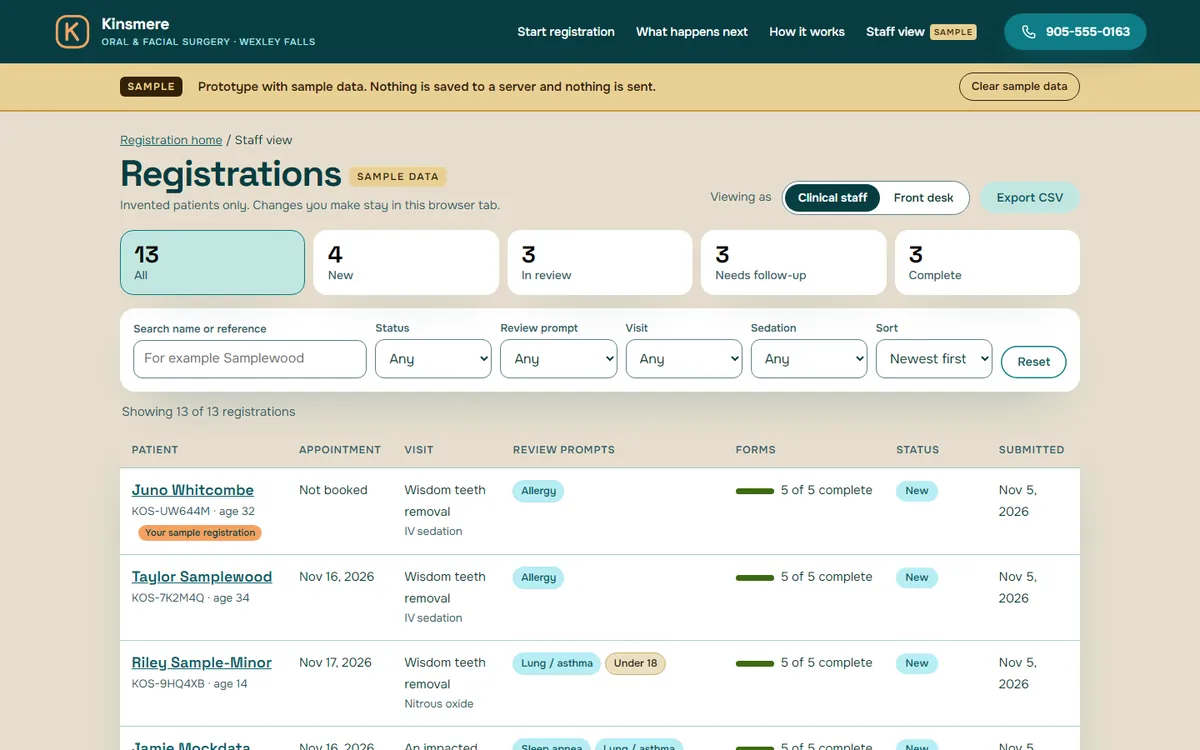
A staff dashboard that starts with what needs attention
Today’s new registrations, who has finished, who has not, and who needs a nudge before they come in. Not a wall of charts: a short list that matches the morning huddle.
- 05
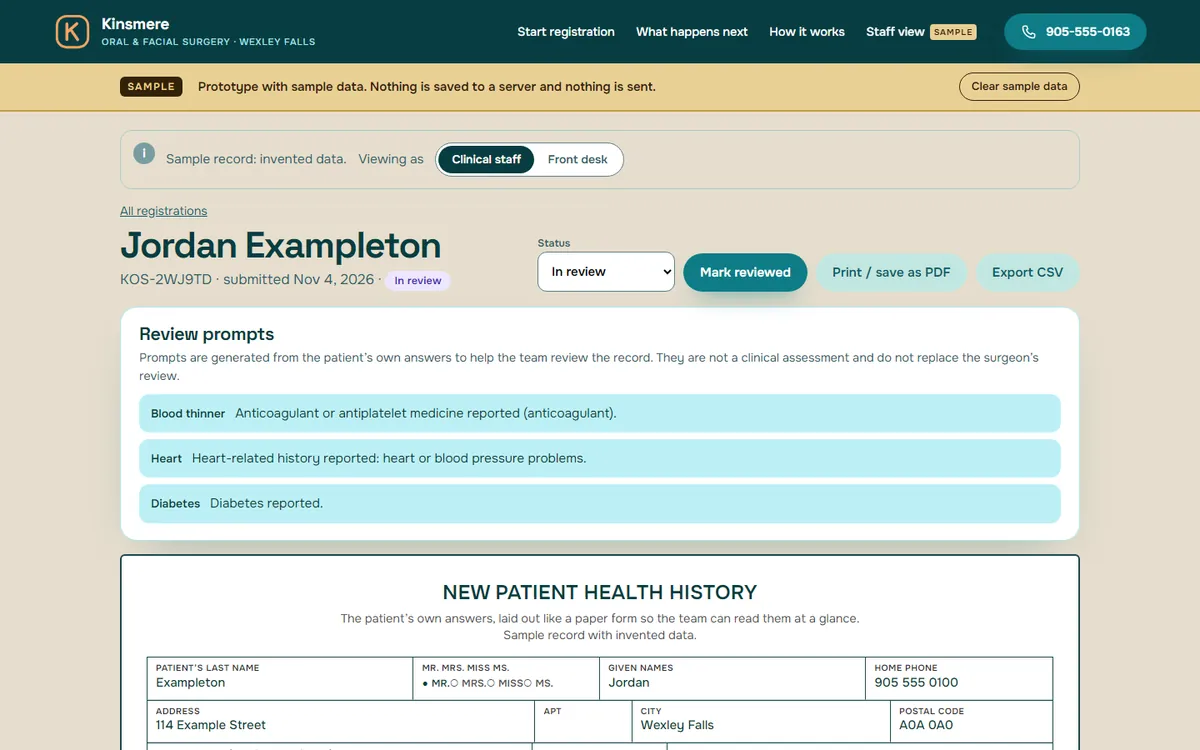
A patient record that reads like a clean summary
Everything the patient entered, laid out for staff in one view, so nobody has to open three documents to find one answer.
- 06
Review prompts for your clinical team
Where a patient’s own answers are something a clinician will want to look at before the appointment, the record marks it for staff review. The system does not interpret answers and does not give clinical advice. The prompts are yours to define with your dentist.
- 07
Reminder messages in your own voice
A small set of message templates, such as a confirmation, a “your forms are still open” note and a “what to bring” note. Your team writes the wording. In a real version, they go out at the times you choose.
- 08
Different views for different jobs
The front desk sees scheduling and contact details. Clinical staff see what they need for care. Each person signs in as themselves, and what each role can see is decided with you.
Your policies stay in your words. Privacy, financial and cancellation terms are shown to the patient in full, exactly as your practice writes them.
See it working
Watch a new patient go from phone to front desk.
The explainer at the top of the page shows the idea. Below is a wider clip, then the working sample.
Watch the full walkthrough, about 6 min
Short clip 0:24
The short story, wide screenThe same short story as the reel in a wider layout: registration on a phone, save and resume, what the desk sees, review prompts and reminders. Voiceover and on-screen captions.
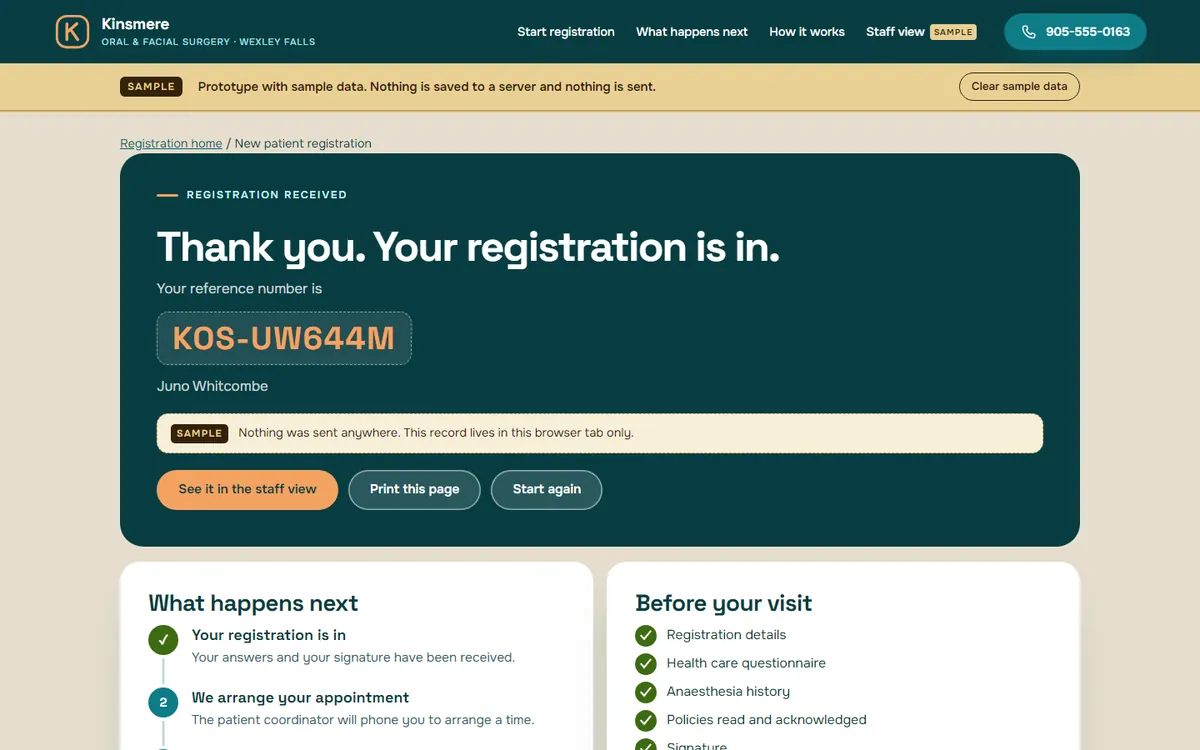
Try the sample yourself
Open the working prototype for Kinsmere Oral and Facial Surgery.
A made-up dental and oral surgery practice, built for this page. Register as an invented patient, then switch to the staff view and find yourself in the list.
Full walkthrough
Watch the full walkthrough.
About six minutes, narrated, with captions on screen. Everything in it is a sample with invented data.
Full walkthrough 5:48 · about 6 min
Full walkthrough of the sample dental practice systemA narrated tour of the sample dental practice: registration on a phone, step by step, then the staff dashboard, a registration record with review prompts, the front desk view and the reminder wording. Narrated, with on-screen captions.
How it works with Website Mill
Start with a conversation, not a contract.
A short call to scope it.
Twenty minutes. We ask how a new patient moves through your practice today, what your front desk does by hand, and which tools you already use. You decide whether it is worth going further.
An optional Systems Review.
If you would like more than a conversation, we offer a short, paid review week where we watch the work, talk to the people who do it and hand you a written plan.
Custom-built, no templates.
The forms, the checklist, the roles and the reminders are built around your practice and your wording. We do not start from a template and bend it.
A real version is scoped with you.
Where it is hosted, who can see what, how long information is kept and how it is backed up are decided with you and written down before any real patient information goes near it. The privacy handling would be reviewed by the practice’s privacy officer and a lawyer before real use. How it is set up, hosted and looked after is something we work out together when we scope it.
Questions
Questions practice owners ask.
How is it set up, hosted and looked after?
How it is set up, hosted and looked after is something we work out together when we scope it. We agree the details together in the scoping conversation and write them down before any build starts.
Is patient information safe?
The sample on this page contains no real information at all. For a real version, we would specify individual sign-ins, role-based access and where information is stored, in writing, and the practice’s privacy officer and a lawyer would review it before real use. We do not make compliance claims from a sample.
Can it connect to the software and payments we already use?
Often, yes, where the other software offers a way in. Which connections are worth making is part of the scoping conversation. The sample itself connects to nothing.
Will my team be able to use it?
It is built around the way your team already works, so the screens use your words, not ours. A walkthrough with the people who will use it each day is planned in before it goes live.
What if we want changes later?
Expect them. A practice changes, and so does its paperwork. Because it is custom-built, it can be adjusted. How changes are handled after launch is something we agree together in scoping and write down before any build starts.
Can it sit beside the tools we have now?
Yes. It does not need to replace your practice-management software. Many practices start with just the part that is hardest to do on paper: the first visit.
Is this dental practice management software?
No. The sample covers the first visit: registration, what is missing, staff review prompts and reminders. It does not do charting, imaging, claims or billing, and it is designed to sit beside the practice-management software you already use.
Keep reading
More from Website Mill.
- Management systems for local businessesThe overview: three working samples, one approach.
- Electrician quote and job management softwareEnquiries, quotes, jobs and invoices on one record.
- Gym lead management systemA name and a follow-up time on every enquiry.
- Custom software for small businessesBooking, check-in, portals and dashboards, custom-coded.
- Custom software for a small business, explainedA plain-English guide to what it is and when it is worth it.
- Website Mill servicesWebsites, brand work and custom software from one studio.
Tell us how your front desk works. We will tell you if it is worth building.
This page describes software for office administration. It does not provide clinical advice and does not replace the judgment of a dentist or the advice of your privacy officer or lawyer.