Case study · Xtreme Couture Toronto

A new website, and the software behind the front desk

Xtreme Couture Toronto calls itself the largest MMA facility in Canada. We rebuilt its website on the gym’s own hosting, and built custom software for the team that runs the front desk.

38-page websiteCustom staff softwareSite assistantPrinted QR signs
xtremecouture.ca
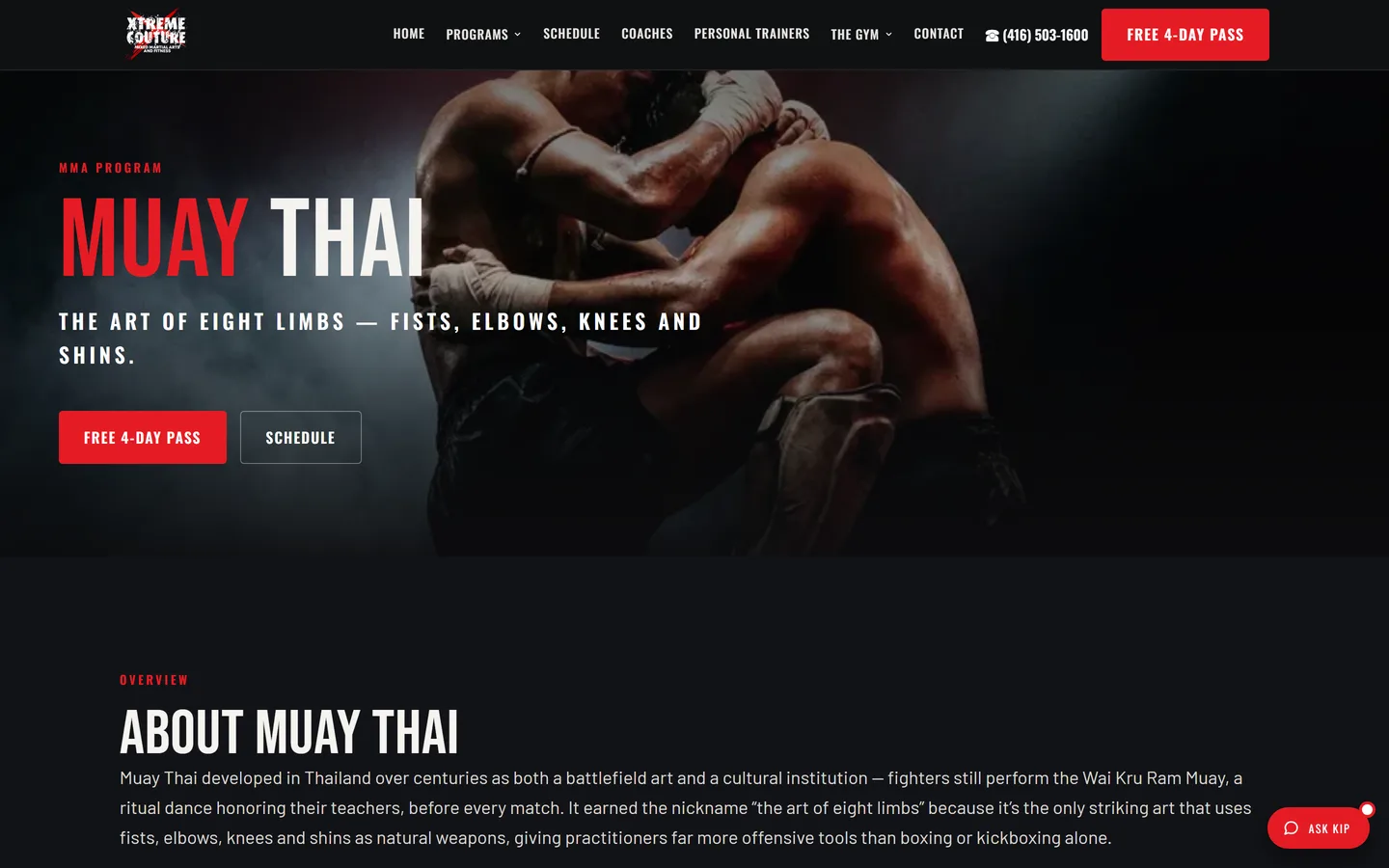
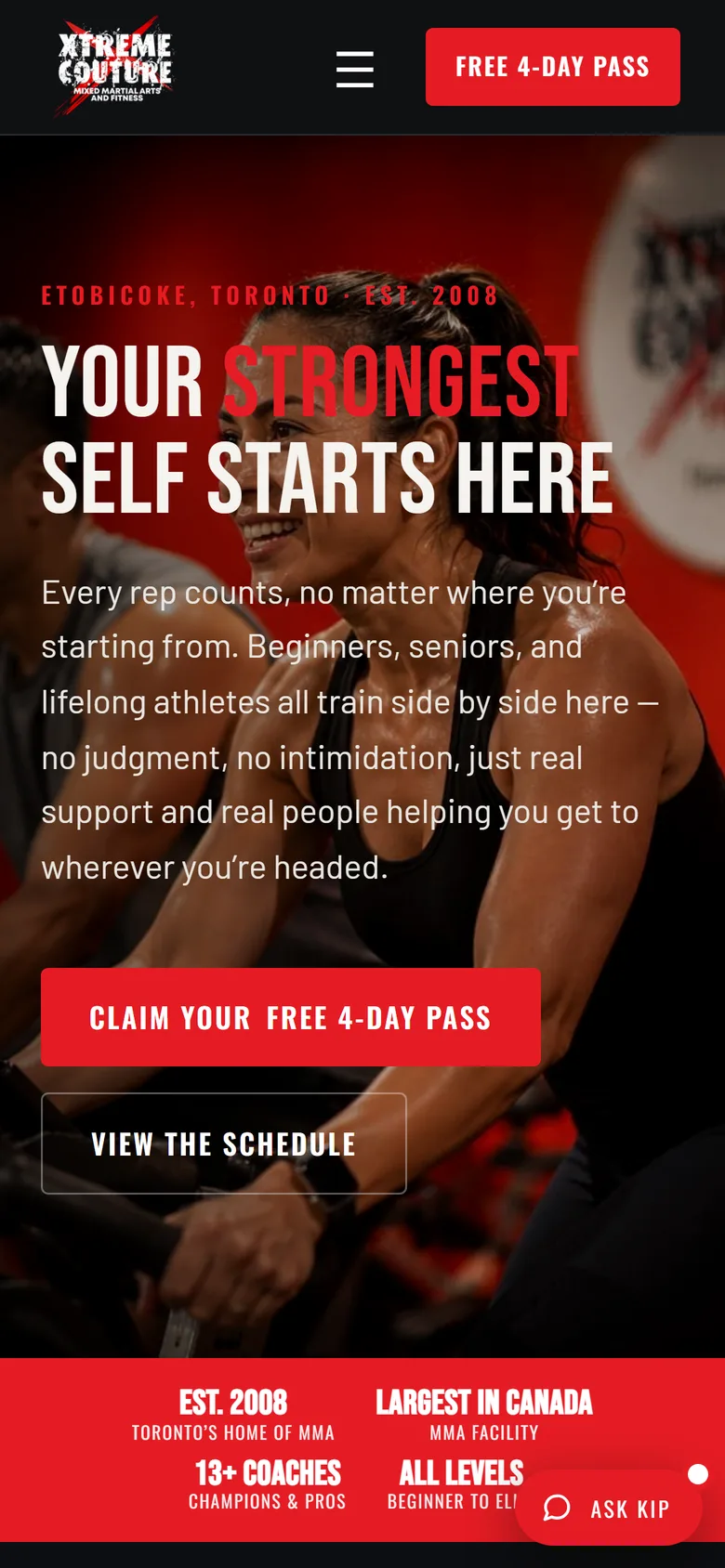
The Xtreme Couture Toronto homepage
The clientXtreme Couture Toronto, a martial arts and fitness gym
The briefA new website
What we addedFront-desk software, a site assistant, printed QR signs
Where it runsThe gym’s own hosting
How it’s madeCustom-coded, no templates

The starting point

A busy gym with an outdated website

The gym needed a website that matched the place. It also needed something behind it: a way for the front desk to see who had asked about joining, who owned each inquiry, and who was due a call.

The brief was a website. The gym also needed software to support the front desk, so we built both.

The website

A page for every discipline

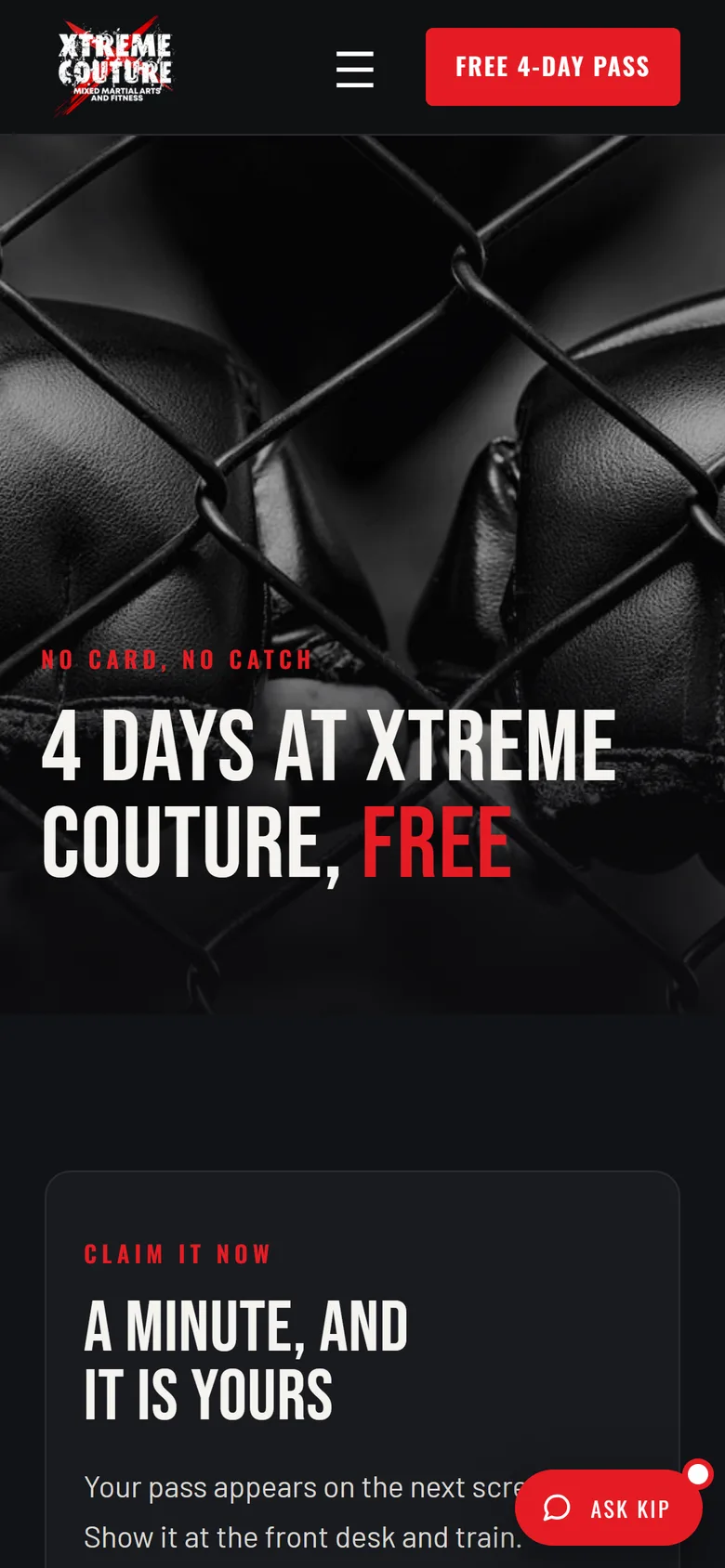
38 pages on one design system: every discipline, the timetable, coaches, personal training, the clinic and a blog. A free-pass page issues a pass with its own QR code that works at the counter.

The front-desk software

One place for every inquiry

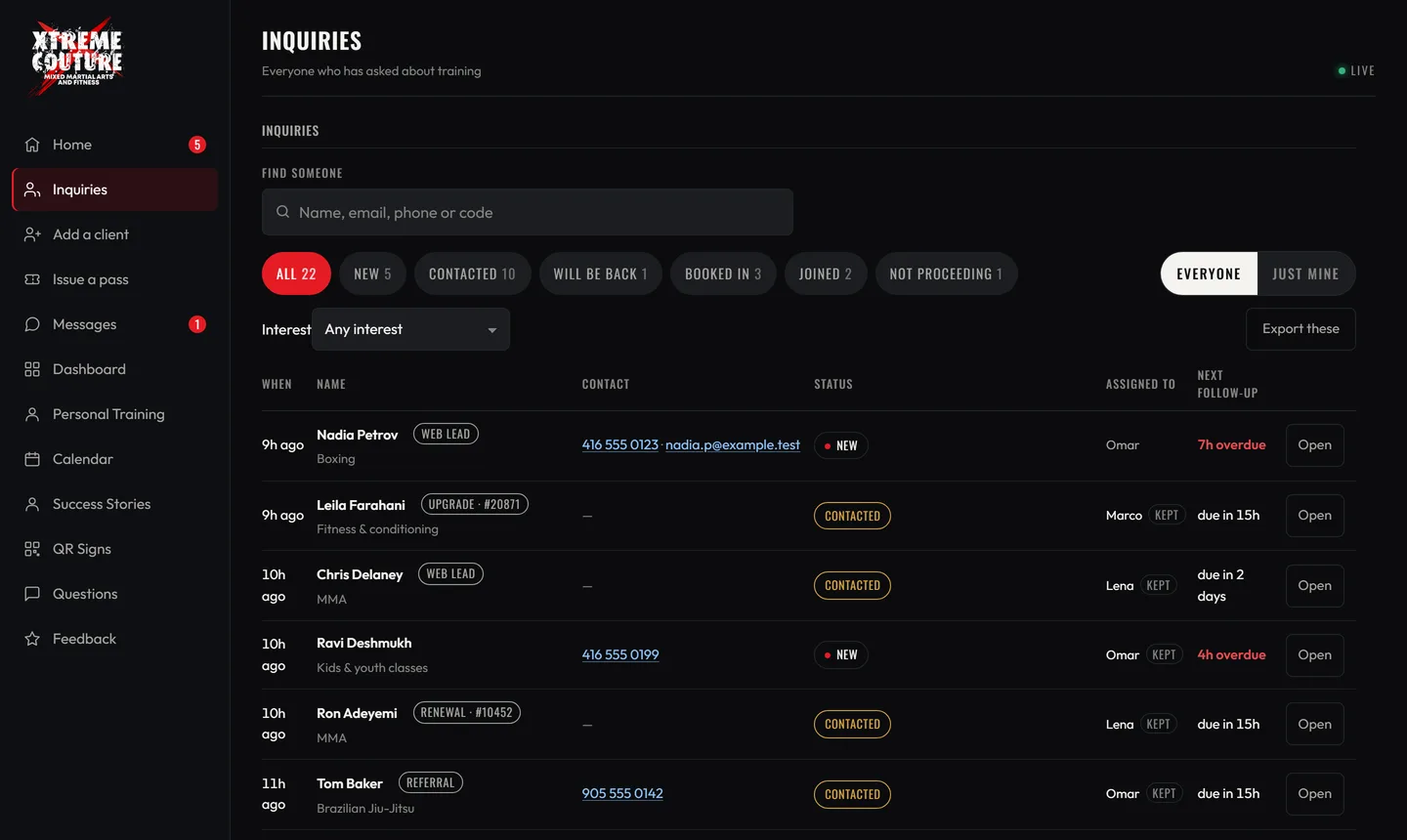
Inquiries from the website, the free pass, the phone and walk-ins all land in one list. Each has an owner, a status and a follow-up date, so nothing sits unanswered and nobody is chased twice.

  • Staff sign in and see their own day
  • Reminders that count from the first contact
  • Free passes scanned at the counter
  • Staff update the timetable and coaches themselves
The staff dashboard with invented names, numbers and dates.
The real dashboard, with invented names, numbers and dates.
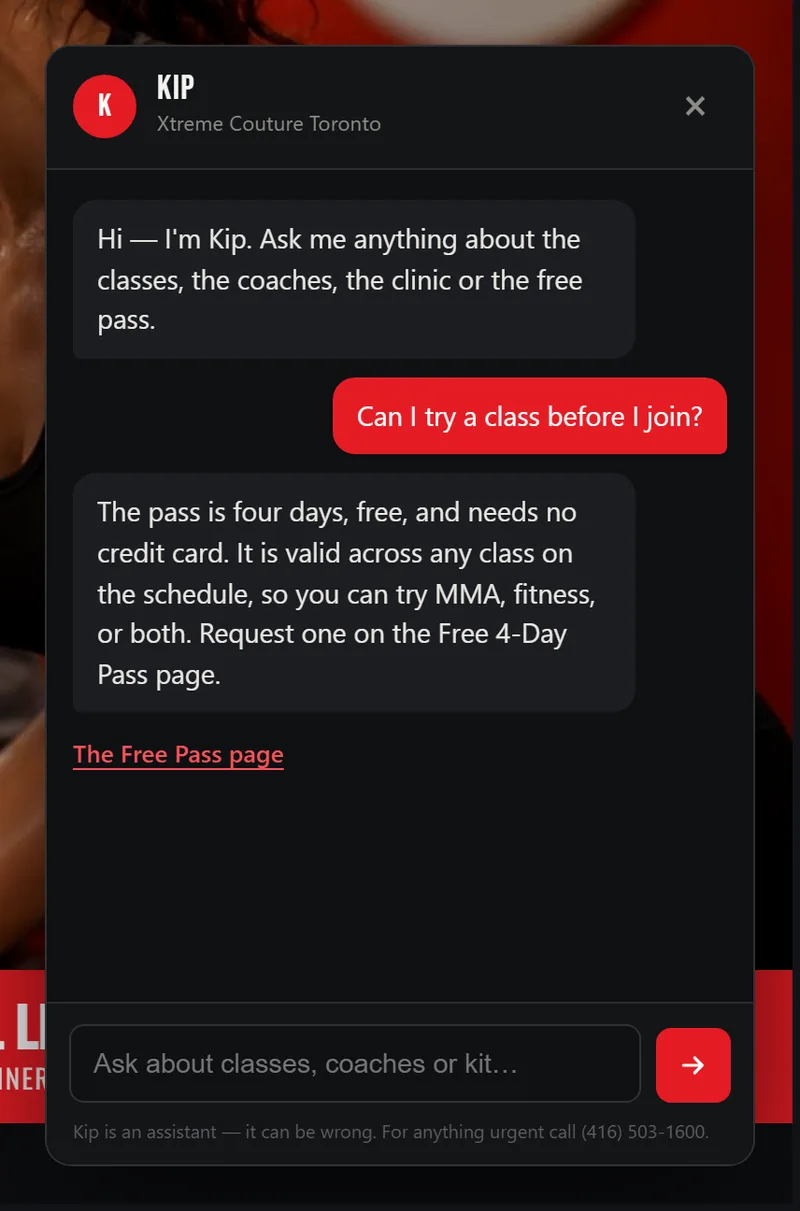
Kip, the site assistant, answering a visitor's question on the Xtreme Couture site.
Kip on the live site, answering a real question.

The site assistant

Kip answers from the gym’s own information

Kip answers visitors’ questions from what the gym has published. It runs on the gym’s own server, so members’ questions stay with the gym. When Kip doesn’t know, it says so and points to the front desk instead of guessing.

Printed work

QR signs around the building

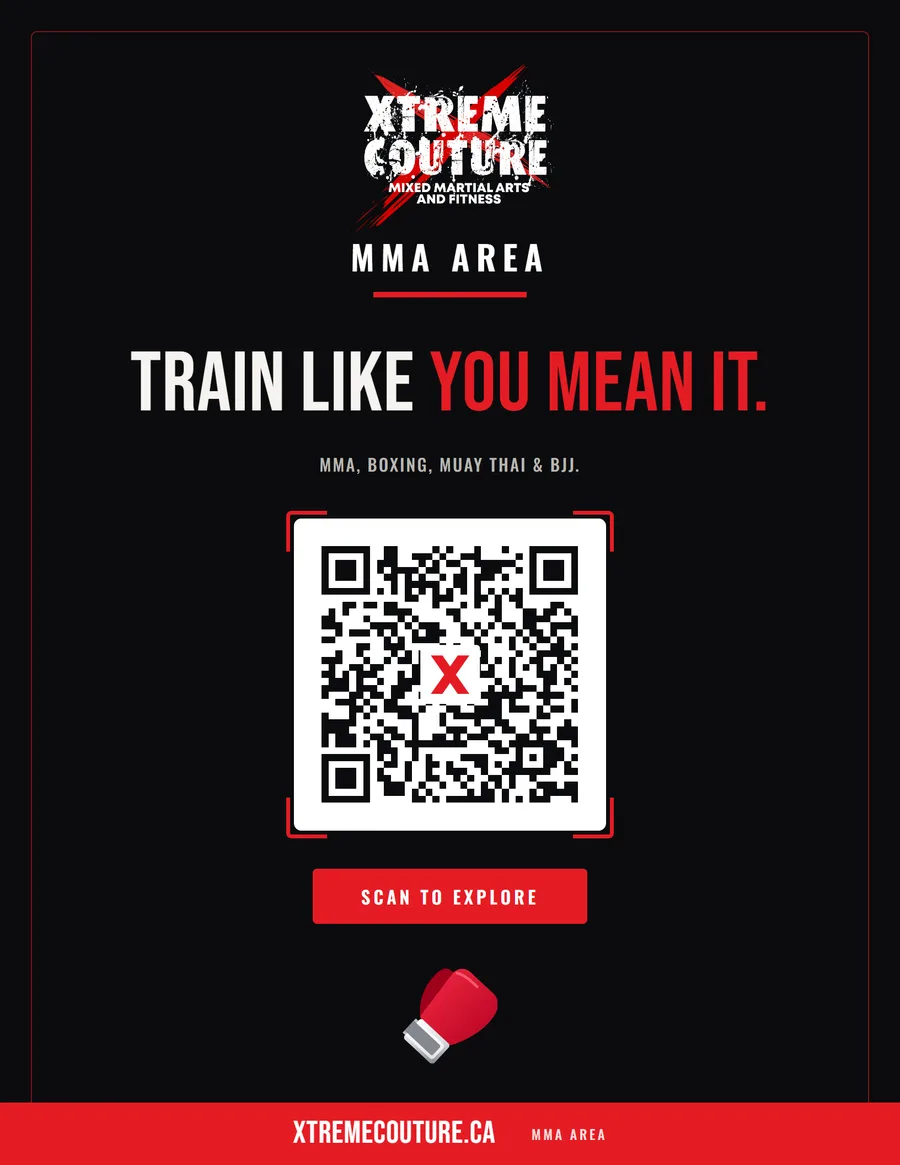
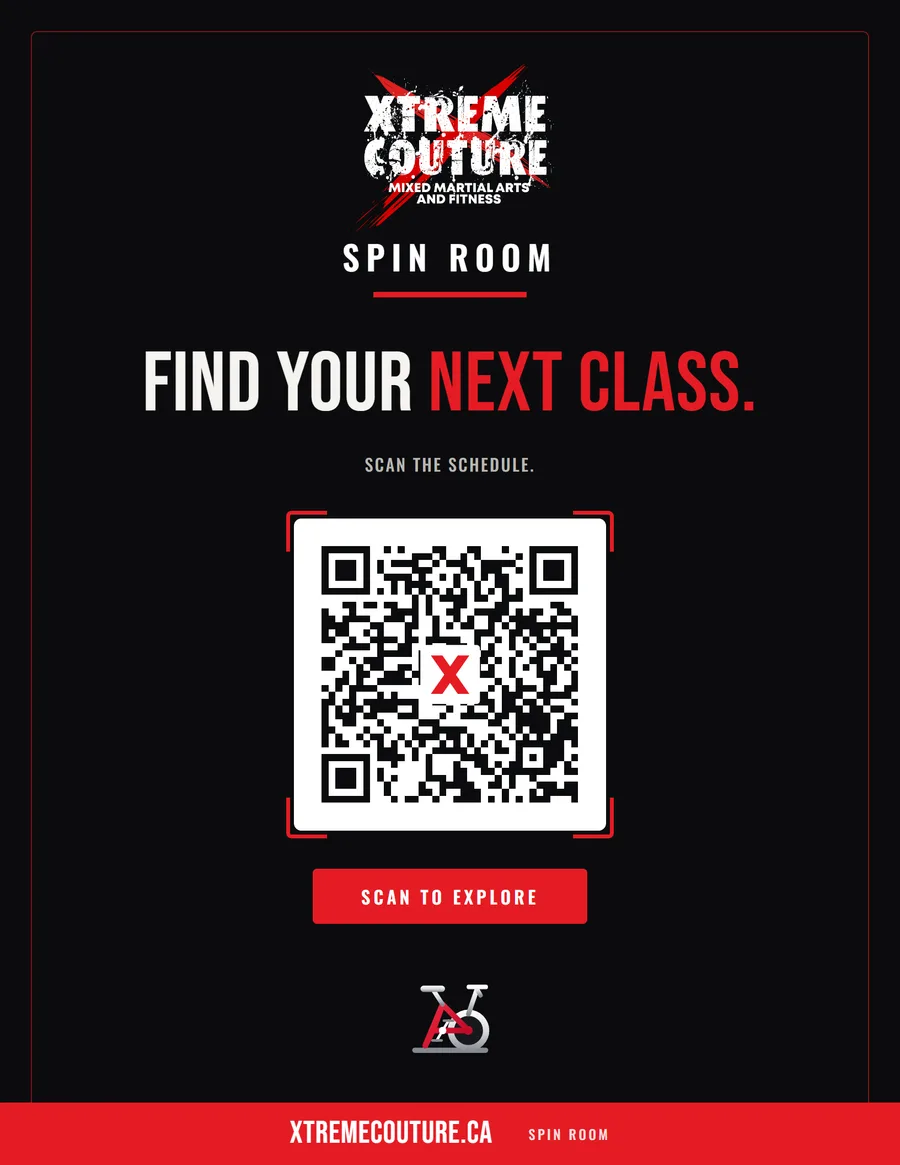
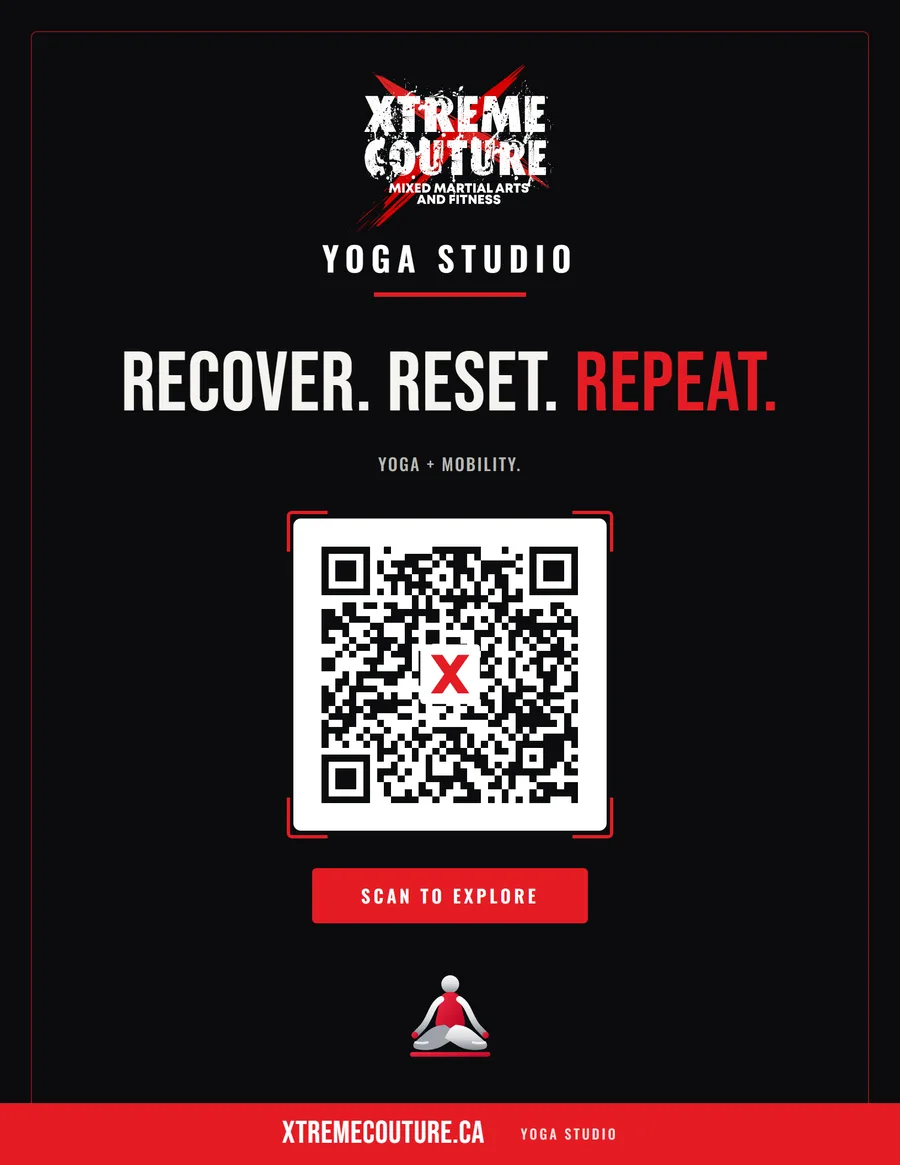
Each sign has its own code, so a scan is recorded against the sign that brought the person in. The dashboard shows which signs are working.

The printed QR sign for the MMA area.
The MMA area
The printed QR sign for the spin room.
The spin room
The printed QR sign for the yoga studio.
The yoga studio

How we built it

Built around how the desk already works

  1. CollectEvery inquiry goes into one list, whatever way it arrives.
  2. AssignEach one gets an owner, so it’s clear whose it is.
  3. Follow upReminders come due on a set rhythm.
  4. Keep it simpleFewer screens and bigger controls, for phones and tablets at the counter.

Custom-coded, running on the gym’s own hosting, and shaped with the team that uses it every day.

Does your front desk need better tools?

Tell us how your team works today and we’ll tell you what we’d build.

See Your Free Preview